The to-do app
that makes you:
More Organised More Productive Procrastinate Less
Hyper is designed to make capturing tasks and ideas fast and effortless. Then, using 3 simple ideas from behavioural science, it helps you follow through and create a system to achieve your goals.
6 ways to add tasks lightning fast
Capture
6 Ways To Add Tasks, Lightning Fast.
How many times have you forgotten a great idea or a task that you needed to remember? We’ve built this app to help that never happen again.
 Google Calendar
Tap any of the six to watch it in the app
Made for ADHD
Built For The ADHD Brain.
Hyper is built for the ADHD brain, where ideas can come to you in a flash and disappear just as quickly.
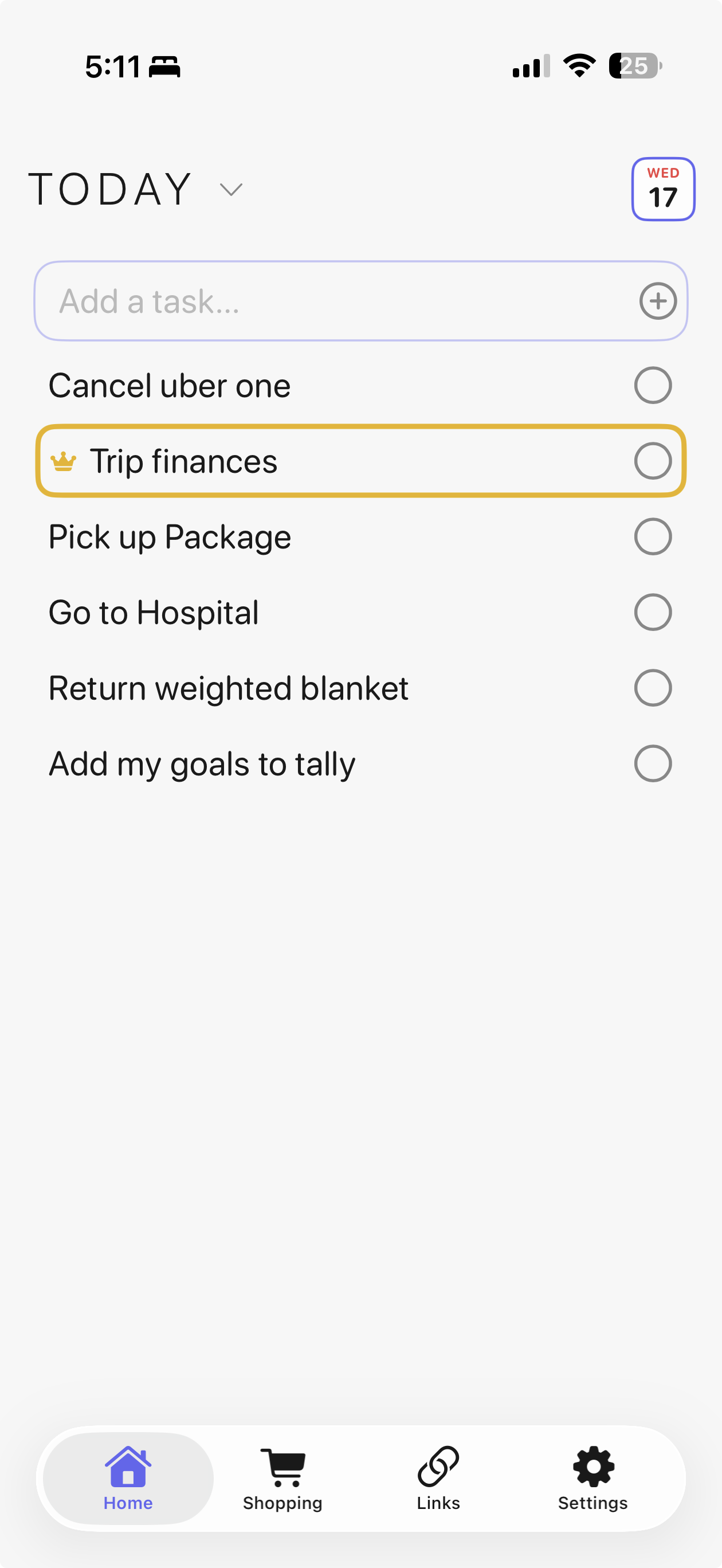
Capture tasks the moment you think of them, whether that's from Hyper's Mac toolbar, the iPhone widget, or by automatically syncing your Apple Reminders and Calendar.
Get it out of your head fast, and let Hyper keep track of it.
Little touches
Small Touches, That Make a Big Difference
Thoughtful design, making Hyper a pleasure to use.
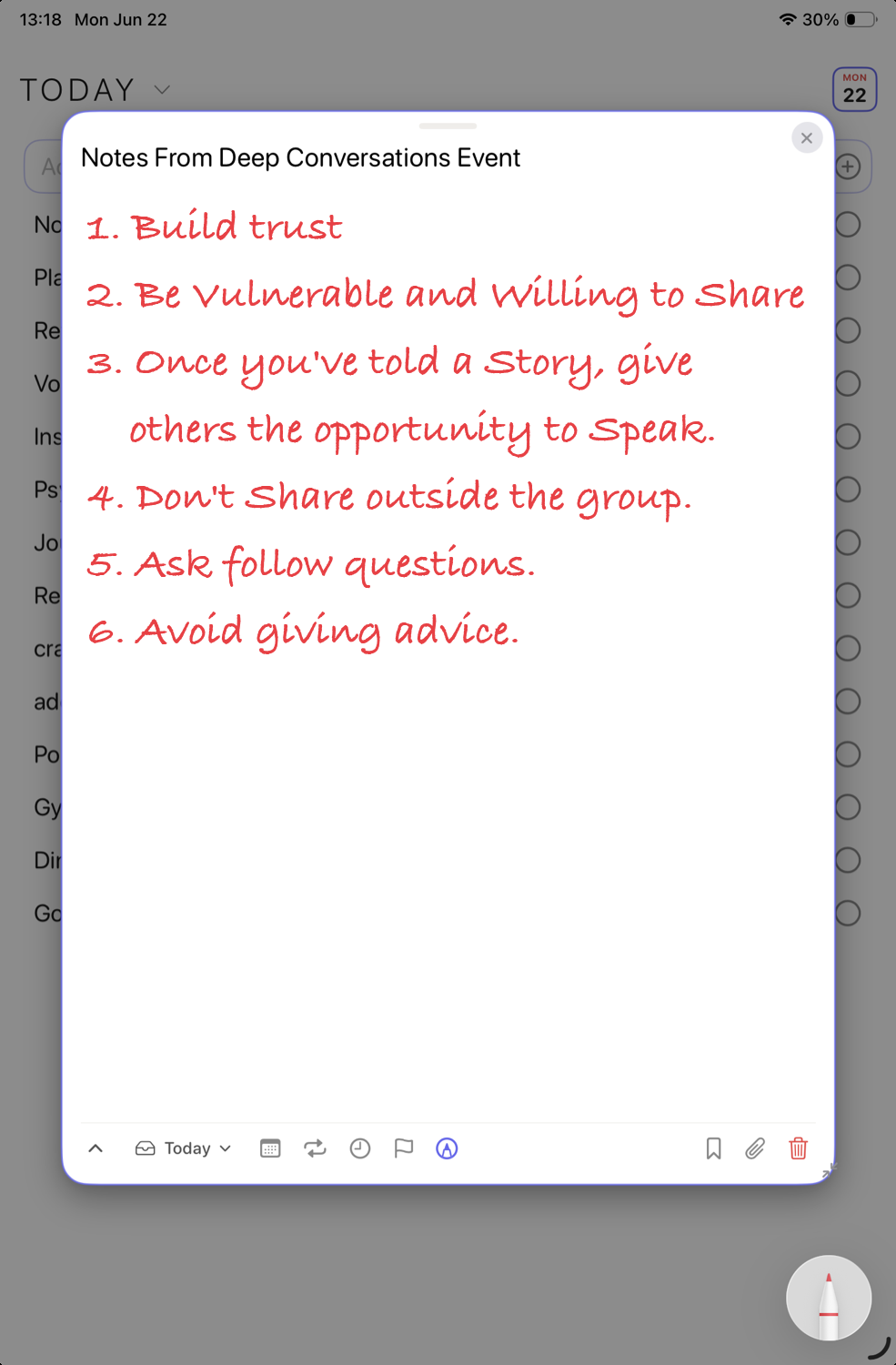
Your Digital Index Card
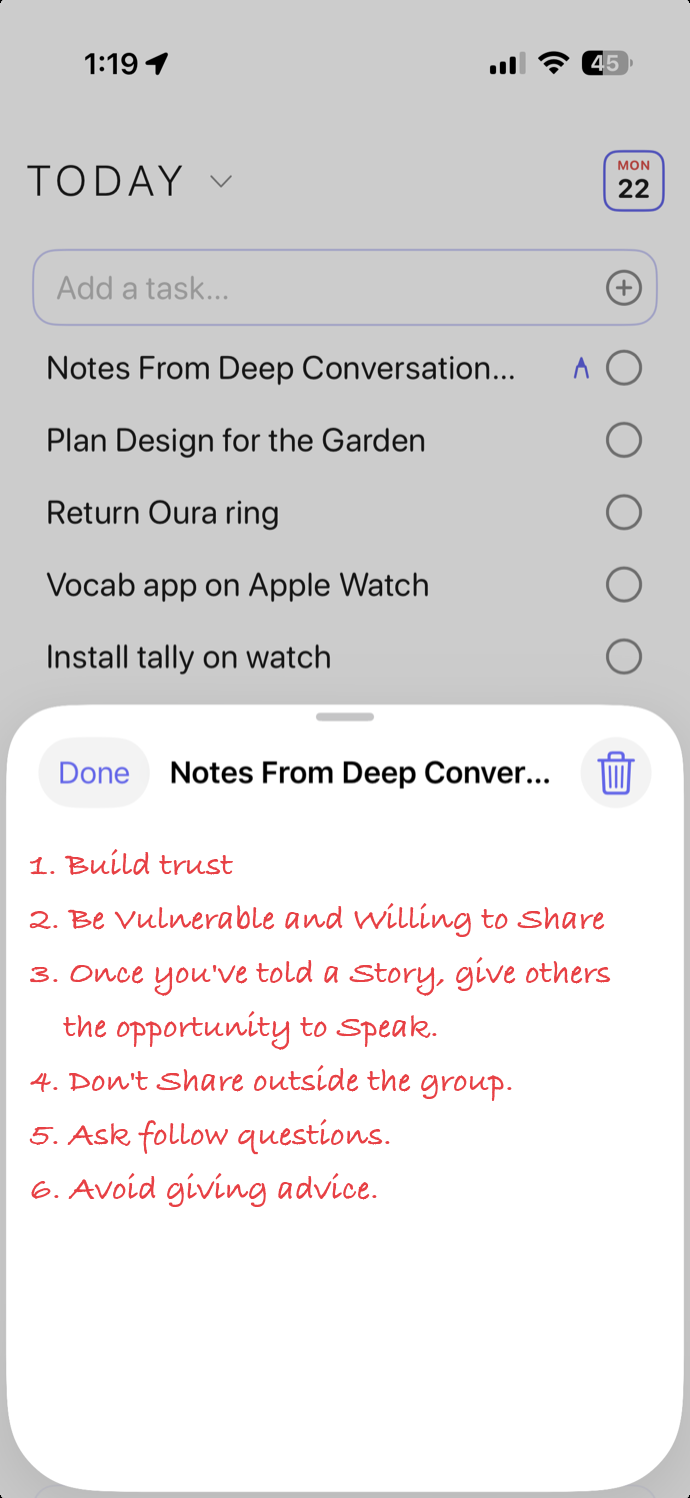
Open any task on your iPad and add sketches, lists, and hand written notes. Your notes stay attached to each card and sync to your iPhone and Mac.



Why Hyper works
Productivity, By Design.
Hyper is built using 3 simple ideas from behavioural science, helping you to follow through on your tasks and to create a system to achieve your goals.
Try it yourself — use ↑↓ to move between tasks and enter to check one off.
01
Eat the frogDo The Most Important Thing
Each morning pick your single most important task. Hyper pins it to the top of the app with a gold crown so it can't be missed, and everything else gets easier once it's done.
02
Don't break the chainKeep The Streak Alive.
Jerry Seinfeld's famous productivity trick was beautifully simple: do the thing, mark the day, keep the chain going.
Once you've built a streak, breaking it feels painful — that's loss aversion in practice, and it can keep you motivated on your goals.
Hyper Focus
Wed, Jun 17
1 of 13 done
- Change kindle
- Running
- Ask Matt about crime in London
- Notes for Portugese with passive voice
- Buy nose things for sleep
- Confirm with Morocco chef
- Gym
Live demo, tap any task to check it off.
03
Pomodoro TimerFlow State
Hyper's built-in Pomodoro timer breaks work into focused bursts, so getting started feels easy and keeps you in flow.
Compete against yourself (and others) for the most Pomodoros, today, this week, and this month.
Early Adopters Get Rewarded.
The first 100 subscribers get Hyper free for life.
The next 900 lock in $1 a month. After that, each new tier of 1,000 subscribers pays a little more — but once you're in, your price never changes.
Once a tier is full, it closes permanently.
Download now — if you're in the first 100, Hyper is free for life.
Year view & streaks
See The Year You're Building.
Every check mark becomes part of your yearly heat map. Watch your habits, streaks, and Most Important Task build up over time, so progress becomes something you can actually see.
The longer the chain gets, the more you'll want to protect it.
Read 30 minutes
2026
No sign-up. Nothing on our servers.
Open Hyper and start, there's no account to create and no password to remember. Your tasks, notes and lists sync across your iPhone, iPad, Mac and Watch through your own private iCloud, using the Apple ID you already have. You never sign in with Google or Facebook, and everything lives in your iCloud, not ours, we can't see it.
Apple Watch
Your Day, Right On Your Wrist.
Check your schedule, tick off habits, open lists, and cross off shopping items without reaching for your phone.
Hyper runs natively on Apple Watch, so your day is always one glance away. Everything stays in sync through iCloud.
- Sardines
- Meat

1. Make something useful
2. Get feedback
3. Don't sell out
4. Keep going
5. Ship the launch post
6. Schedule follow-ups
7. Email Matt
8. Write retro
Quick Capture · Mac
Shortcut Keys.
From the MenuBar.
Hit ⌥⌘T from any app. Hyper's menu-bar dropdown slides down with the cursor already in the text field. Type, hit return, you're done, no context switching, no launching apps.
- Global ⌥⌘T quick-add from any app
- Double-click to open cards side by side, have a brainstorm session across your screen
- One-click preview any card without losing your place
- Lives in your menu bar, syncs through iCloud
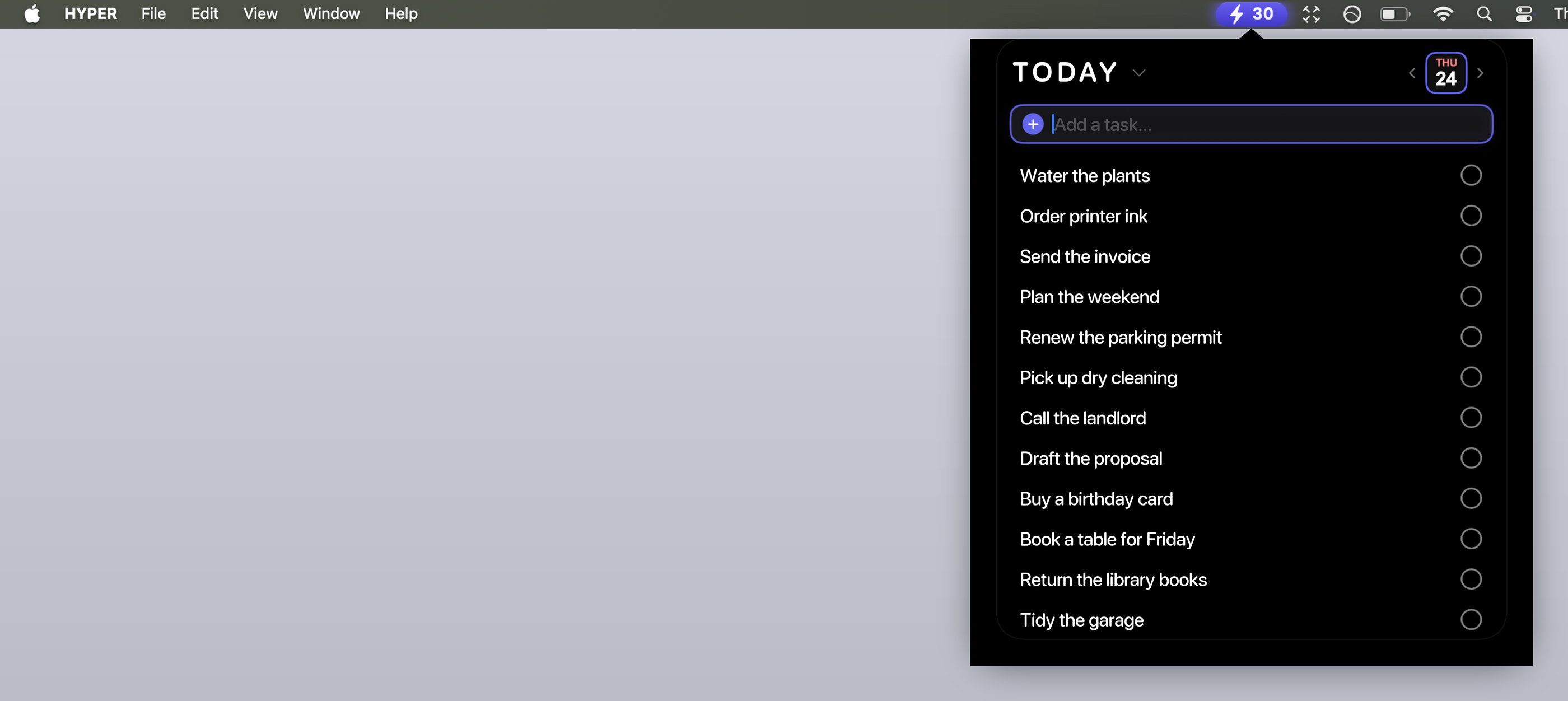
Always a keystroke away, right in your menu bar.
Home Screen widgets & Quick Actions
Customize Almost Anything.
We wanted to give you the flexibility to choose many different widgets.
Choose between showing your schedule or a list, and even pick between a single-column or double-column list. You can even customize the shortcuts you see when you long-press the Hyper icon.


What people say
Loved By People Who Get Things Done.
"Placeholder, Hyper is the first app that actually got me to do my most important task before anything else. The streak keeps me honest."
Product designer
"Placeholder, having my reminders and calendar land on one timeline means I finally stopped juggling four different apps every morning."
Founder
"Placeholder, the Apple Pencil notes look exactly like my paper notebook, and they're on my phone the second I pick it up. Magic."
Architect
"Placeholder, Focus Mode with the Pomodoro timer in the Dynamic Island is the only thing that keeps me off my phone while I work."
PhD student
"Placeholder, I check off the shopping list on my Watch right there in the aisle. Small thing, but I use it every single week."
Teacher
"Placeholder, it's calm and it's fast, and it looks like it belongs on my iPhone. I've tried them all; this is the one that stuck."
Marketing lead
Get Hyper.
The first 100 subscribers get Hyper free for life — and after that, the earlier you join, the less you pay.
Only on Apple, iPhone, iPad, Mac & Apple Watch
Requires iOS 17, iPadOS 17, macOS 14, or watchOS 10. Free, with iCloud sync. No account, no analytics, your data lives in your iCloud, not ours.